
How to delete your InfluenceKit data
You can remove the data InfluenceKit holds about you at any time. There are three ways to do it, depending on how much you want removed.
Disconnect a social account
Disconnecting removes InfluenceKit’s access to that account and deletes the connection we stored for it, along with the profile data we collected through it.
- Go to Account (the avatar at the bottom of the left sidebar) → Connected Accounts.
- Find the account you want to remove and click the grey × on its right.
- Confirm when asked.
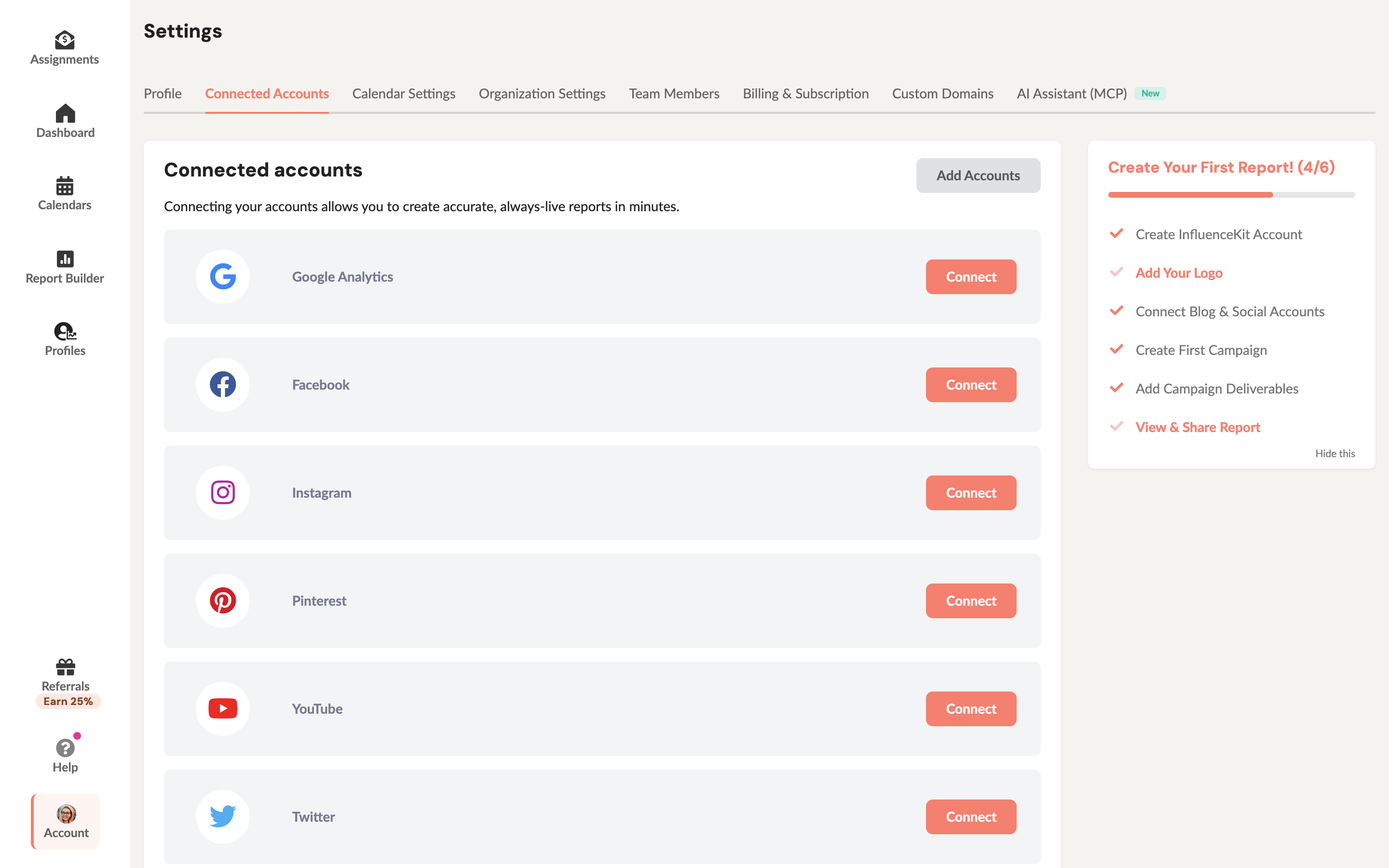
When you disconnect a Facebook connection, InfluenceKit also tells Facebook to withdraw the permissions you granted, so you don’t need to remove the app on Facebook’s side as well.
Posts you already added to a report stay in that report. To remove those too, delete your account (below).
You can also remove InfluenceKit from your Facebook or Instagram settings, under the apps and business integrations you’ve connected. That stops InfluenceKit from collecting anything new, but it doesn’t delete what we already have. Use one of the options here for that.
Delete your account
Deleting your account removes your campaigns, reports, posts, connected accounts and personal information.
- Go to Account (the avatar at the bottom of the left sidebar).
- Scroll to the Danger Zone and click Delete my account.
- Review the summary of what’s on the account, then confirm.
Your account is scheduled for deletion 7 days later. We email you a confirmation with a link to cancel any time before then.
If a brand you’ve worked with has reports or tracked posts built from your data, we recommend anonymizing instead. That removes your connected accounts and clears your personal information, but leaves the brand’s copy of the reports you already shared. You can still choose to delete everything.
Accounts with an active paid subscription or more than one team member go to a short manual review instead. We email you and follow up within a few business days. See How do I cancel my InfluenceKit account? for more on each option.
Ask us to delete your data
If you can’t sign in, or you’d rather we handle it, email help@influencekit.com from the address on your account and ask us to delete your data. Tell us which account it is (your name and your InfluenceKit subdomain or Instagram handle). We’ll reply by email.