
Ad Disclosure: Check Which Posts Say They're an Ad
InfluenceKit checks each deliverable’s caption and image and tells you whether the post discloses that it’s an ad. Use it to check a campaign’s posts for #ad before you send the report on, without opening every post.
Group a report by disclosure
When you’re editing a report, open Group at the top and choose Disclosure. The report splits into groups, each with a count:
- Disclosed: the post says it’s paid for or gifted, such as #ad or “Paid partnership with”.
- Not disclosed: the post was checked and nothing in it discloses.
- Not analyzed: the post hasn’t been checked, such as an Instagram story without a caption or a post added before this check existed. We don’t guess.
Every post that’s missing an #ad is in one place, so you can fix it before the report goes out.
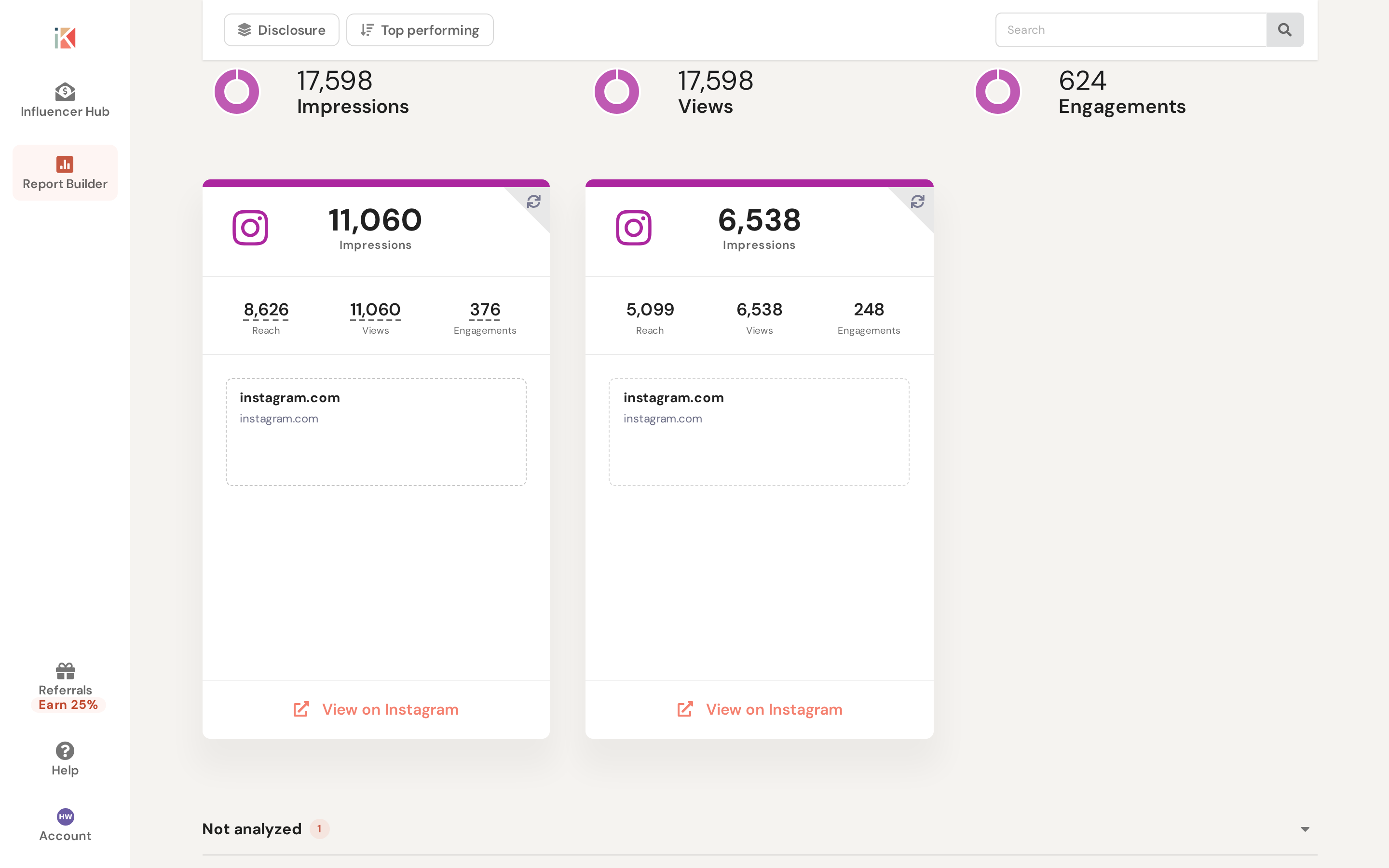
The Disclosure grouping is for you and your team. A shared report link or PDF never shows it. If you save Disclosure as the report’s grouping, people viewing the shared link see the report ungrouped. Grouping is available on a computer, not on a phone.
In the CSV export
Share Report → Export → Export as CSV includes an ad_disclosure column next to the caption: disclosed, undisclosed or not_analyzed.
What counts as a disclosure
The check runs when a post with a caption is added to a campaign. It reads the caption and the image, and counts a post as disclosed when it shows:
- #ad, #sponsored or a #partner tag
- a “Paid partnership” label
- “ad” in another language, such as #werbung, #anzeige, #publicidad, #publicité or #reklame
- a brand tag with “gifted”
Look-alikes and denials don’t count: #adventure, #notsponsored and “This giveaway is not sponsored by Instagram” read as Not disclosed.
A paid-partnership label that Instagram or TikTok shows above a post isn’t part of the data we receive, so a post that relies on that label alone shows Not disclosed.