

How do I change my logo?
To change your account logo (which shows by default on your reports), click your avatar in the sidebar (Account), then Organization Settings.
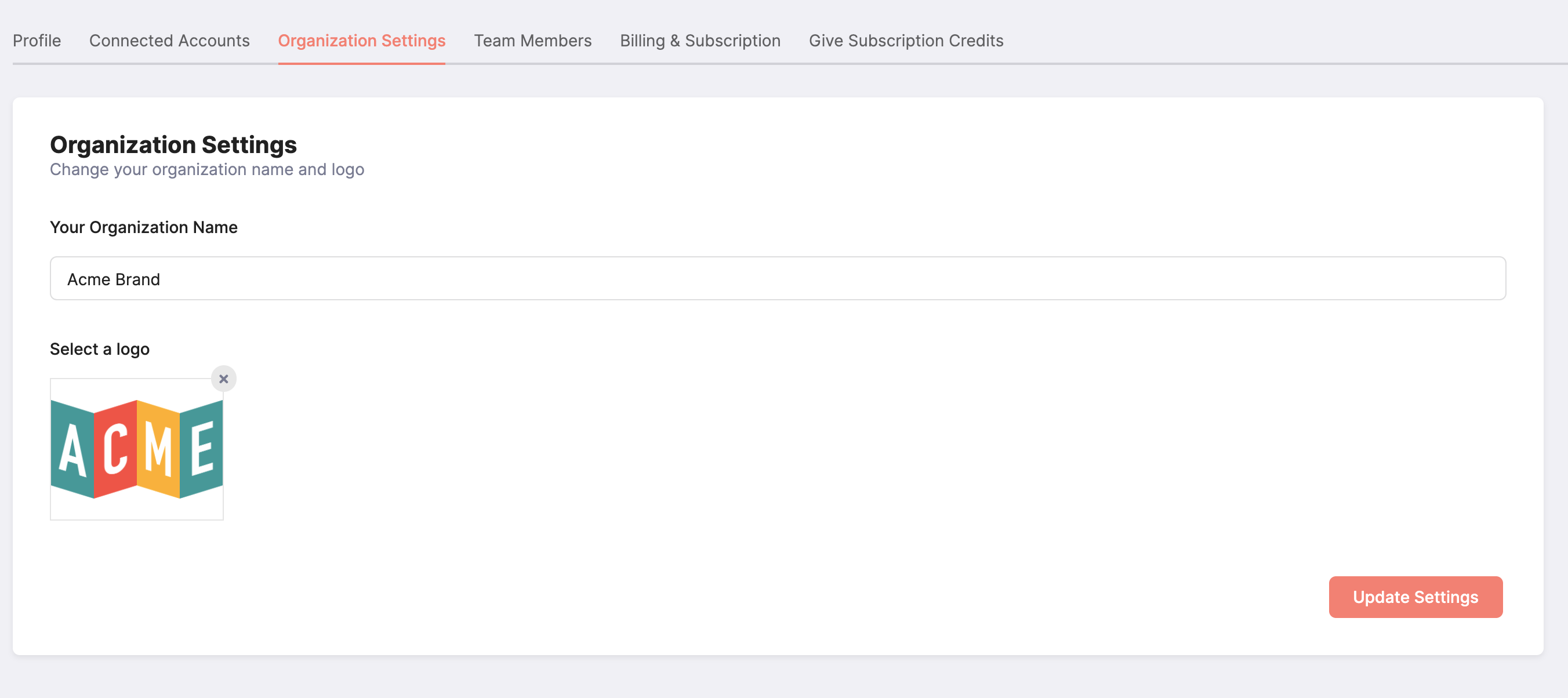
There, you can upload a new logo (or change your existing one):
To change your account logo (which shows by default on your reports), click your avatar in the sidebar (Account), then Organization Settings.
There, you can upload a new logo (or change your existing one):