

How do I add an Additional User to My Account?
Adding a teammate to your Influencer Hub account lets you share the work of managing campaigns and assignments.
Here’s how many users are included on each plan:
| Plan | Users included |
|---|---|
| InfluenceKit Free | 1 |
| Grow | 2 |
| Pro | Unlimited |
If you’re on an older plan not listed here, contact support about adding users.
Add a user
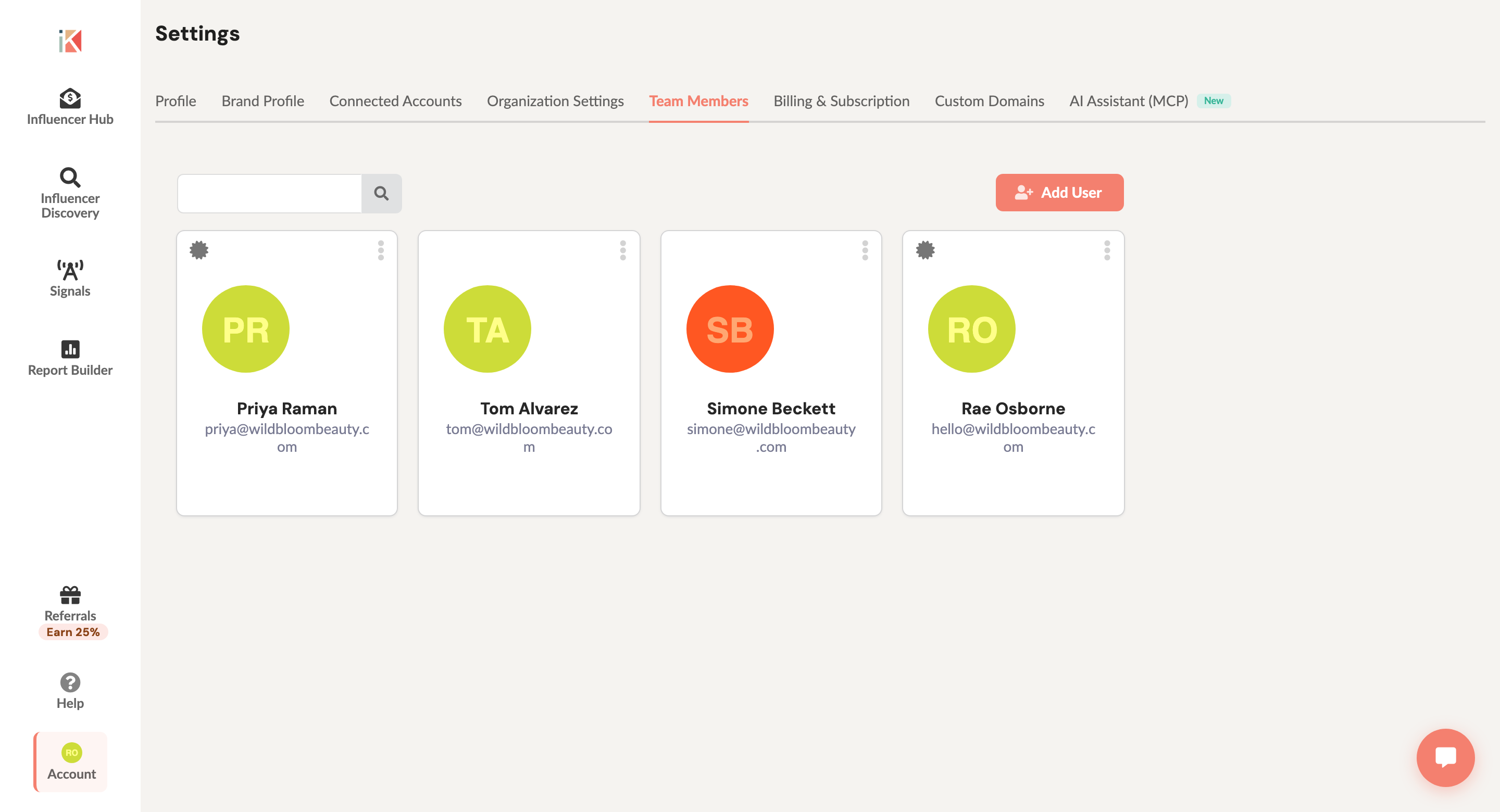
- Click your account avatar (top right) to open the Account menu and select Team Members.
- Click Add User.
- Enter the person’s name and email address.
- Click Add User to save. They’ll get an email with a link to create their account and join your team.
For roles, per-calendar access, and removing a teammate, see Team Management.