
How to add an Omny Studio Deliverable
First, connect your Omny Studio account:
- Go to the Connected Accounts page in InfluenceKit
- Click Add Accounts, and then select Omny Studio
- Enter your Account ID — this is just your Omny account name (for example, InfluenceKit)
- Enter your Omny Studio API key in the field, and click Update. To find your Omny Studio API key, go to: https://omnystudio.com/settings/apikeys
To add an Omny Studio episode as a deliverable in InfluenceKit, follow these steps:
-
Click on the name of the episode you’d like to add.
-
Copy the URL from your address bar. The URL should look like this:
https://omny.fm/shows/influencekit-podcast/episode-1-test-audio?t=8s
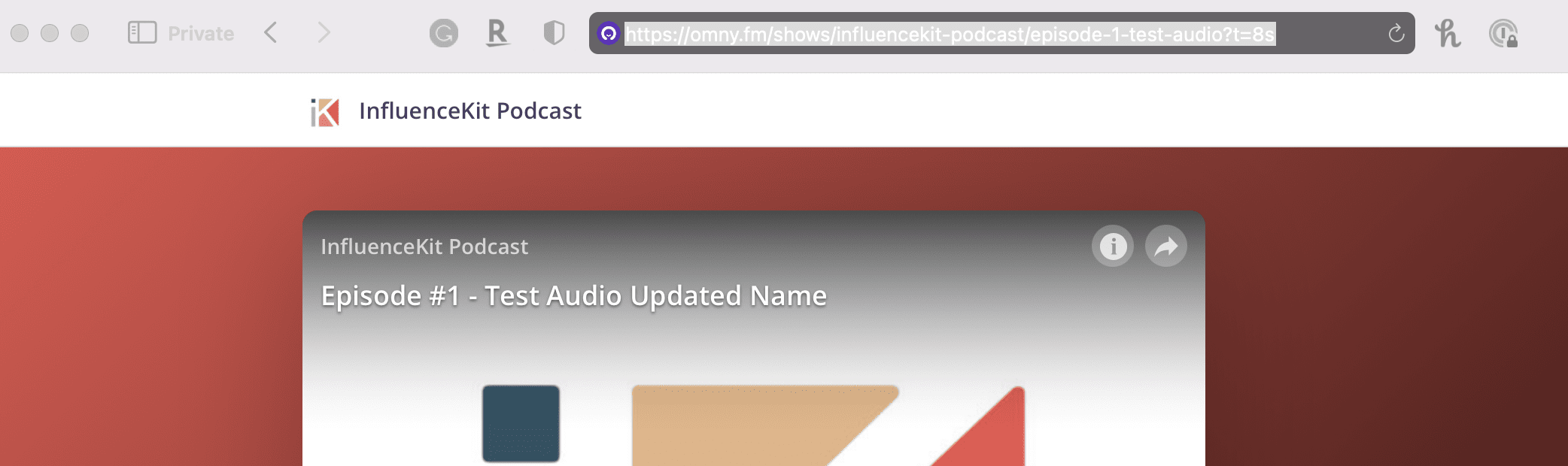
Once you have the episode URL, you can paste it into InfluenceKit like any other deliverable.
InfluenceKit will pull the following stats:
Downloads (views) - lifetime
Reach (impressions) - last 30 days