
How to Remove an Influencer from an Assignment
If you need to remove an influencer from a campaign or assignment, open the assignment and find the influencer’s row. Click the three-dot menu at the end of the row. It has three options: Send a reminder, Move to another assignment and Remove from assignment.
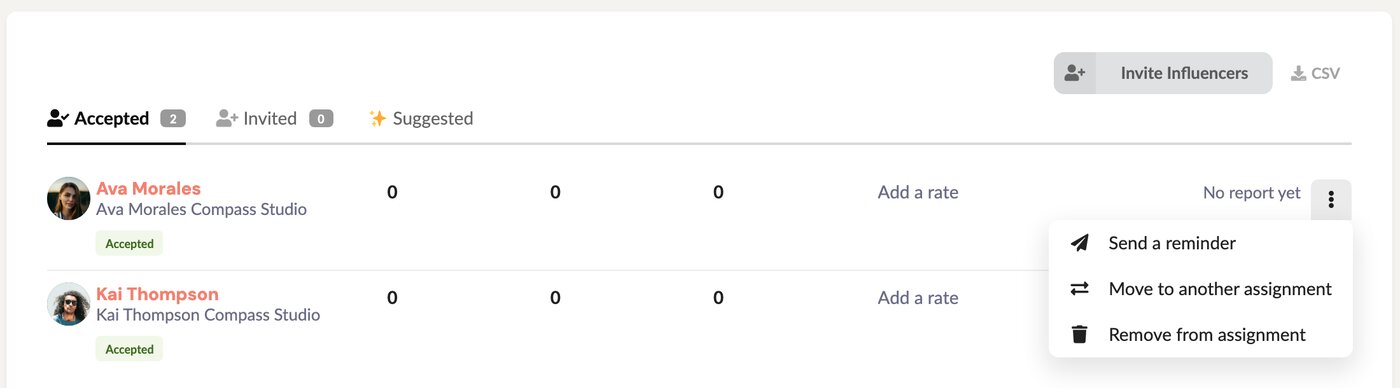
Click Remove from assignment, then confirm.
You can also do this from the influencer’s own assignment page: the three-dot menu at the top of the page has the same Remove from assignment option.
Important: removing an influencer also removes their report. This can’t be undone. To bring them back you’d have to invite them again from scratch.