

How to Add a Madmimi deliverable
First, connect your account to MadMimi.
- Go to the Connected Accounts page in InfluenceKit
- Click Add Accounts, and then select MadMimi
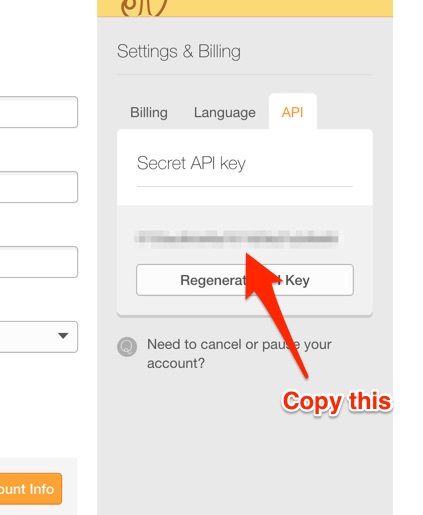
- Enter your MadMimi account e-mail address and Secret API key. You can find that here: https://madmimi.com/user/edit?account_info_tabs=account_info_personal
To add a MadMimi promotion as a deliverable in InfluenceKit, follow these steps:
- Go to: https://madmimi.com/promotions
- Click on the name of the Promotion you’d like to add.
- Copy the URL from your address bar. The URL should look like this:

Once you have the promotion URL, you can paste it into InfluenceKit like any other deliverable.