

How to add an Transistor Deliverable
First, connect your Transistor account:
- Go to the Connected Accounts page in InfluenceKit
- Click Add Accounts, and then select Transistor
- Enter your Transistor Account ID
- Enter your Transistor API key, then click Update. To find your Transistor API key, go to: https://dashboard.transistor.fm/account
To add a Transistor episode as a deliverable in InfluenceKit, follow these steps:
-
Use the share page from Transistor
-
Copy the URL from your address bar. The URL should look like this:
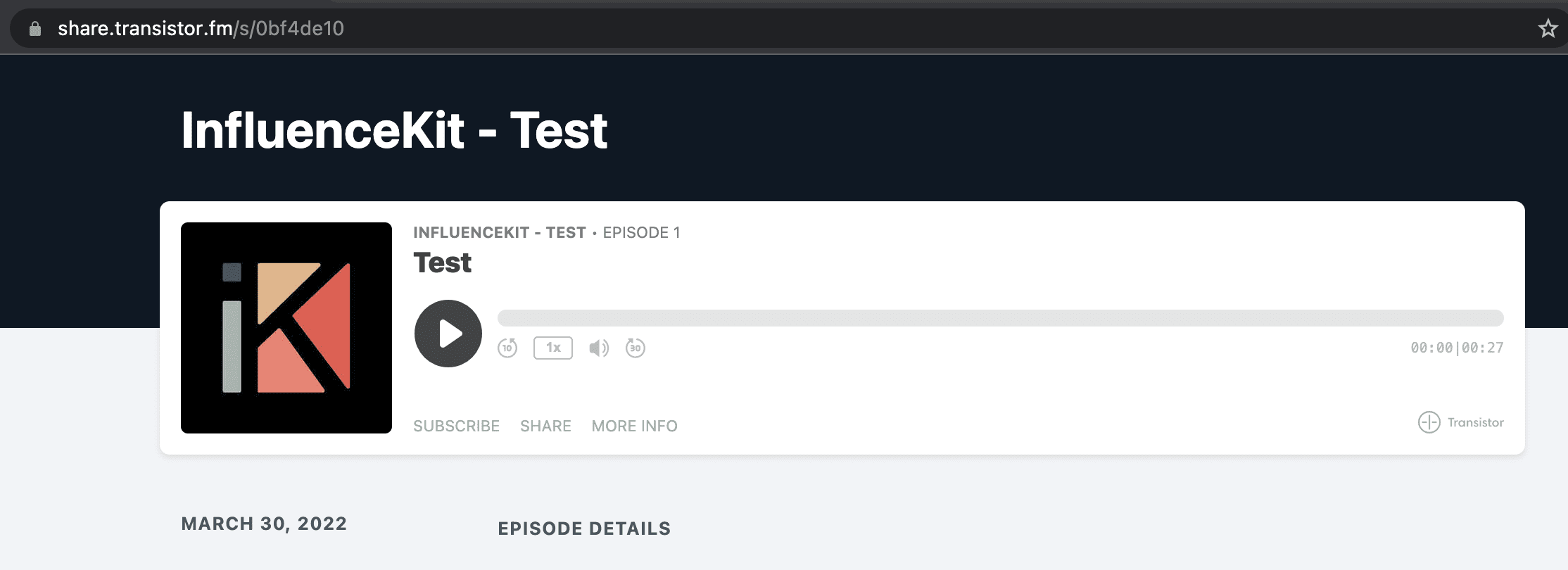
Once you have the episode URL, you can paste it into InfluenceKit like any other deliverable.
InfluenceKit will pull the following stats:
Total downloads (impressions) from last three years through now