

Search posts and hashtags
The Posts tab in Influencer Discovery finds creators by what they actually post. Search for a keyword, a phrase or a hashtag, and you’ll see every creator who used it in a post caption in the last 12 months, with the matching posts under their name.
Search posts
- Go to Influencer Discovery in the sidebar.
- Click the Posts tab.
- Type a keyword, a phrase or a #hashtag, then click Search.
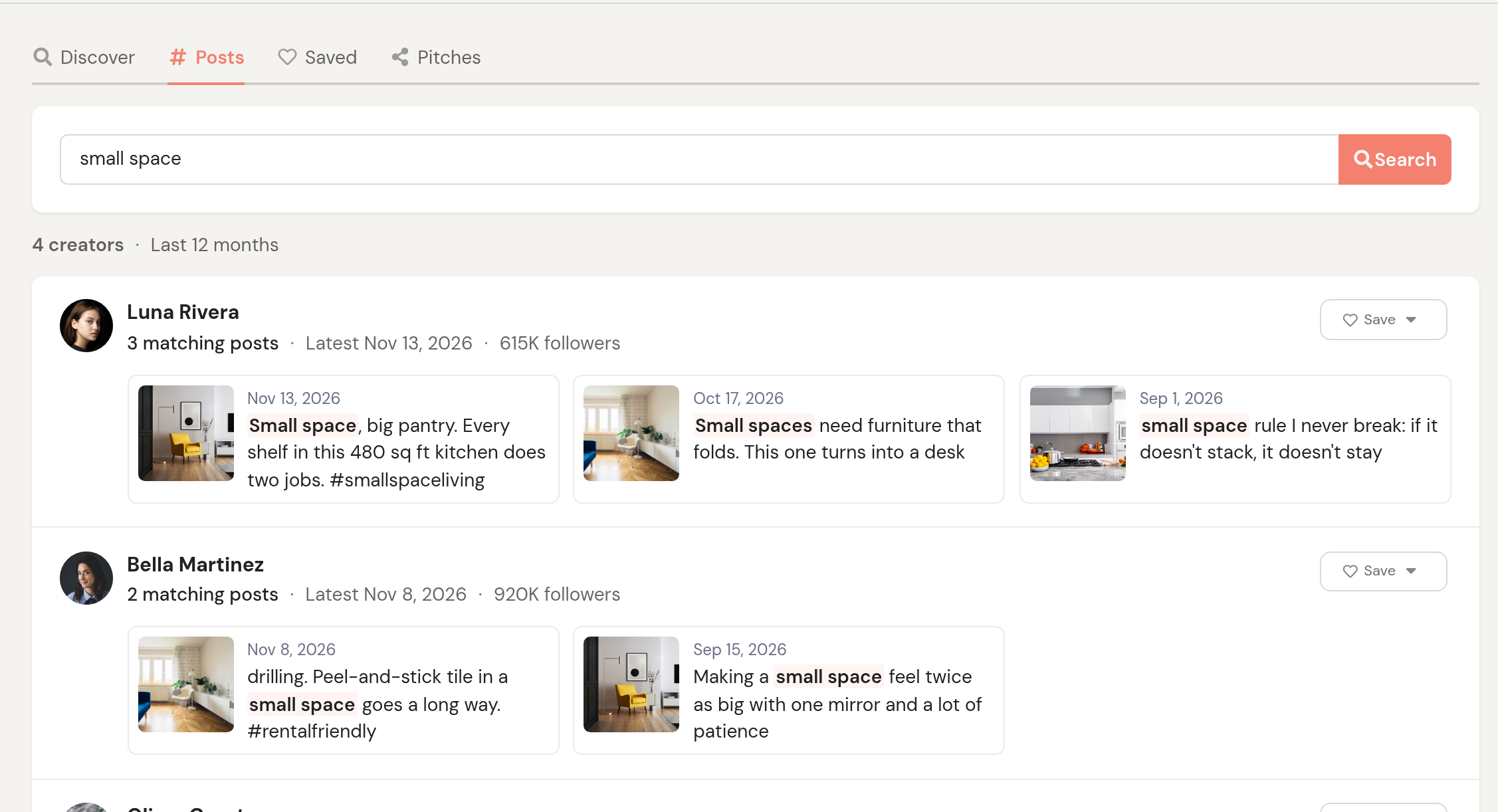
Each result shows:
- The creator, with their follower count and a Save button.
- How many of their posts match, and the date of the latest one.
- Up to three matching posts, newest first, with the thumbnail, the date and the part of the caption that matched highlighted. Click a post to open it on the platform.
Creators with the most matching posts come first. Ties go to the creator who posted about it most recently, then to the bigger account.
How matching works
- Words are searched as a phrase.
leaf blowerfinds “leaf blower” and “leaf blowers”, but not a caption that says “leaf” in one sentence and “blower” in another. Common words like “the” and “and” are ignored. - A hashtag matches that exact hashtag.
#rentalfriendlyfinds posts tagged #rentalfriendly or #RentalFriendly, but not #rentalfriendlyhome, and not posts that only use the word without the #. - Combine them to narrow down.
#ad leaf blowerfinds posts that are tagged #ad and mention a leaf blower. - Only the last 12 months are searched, by the date the post was published.
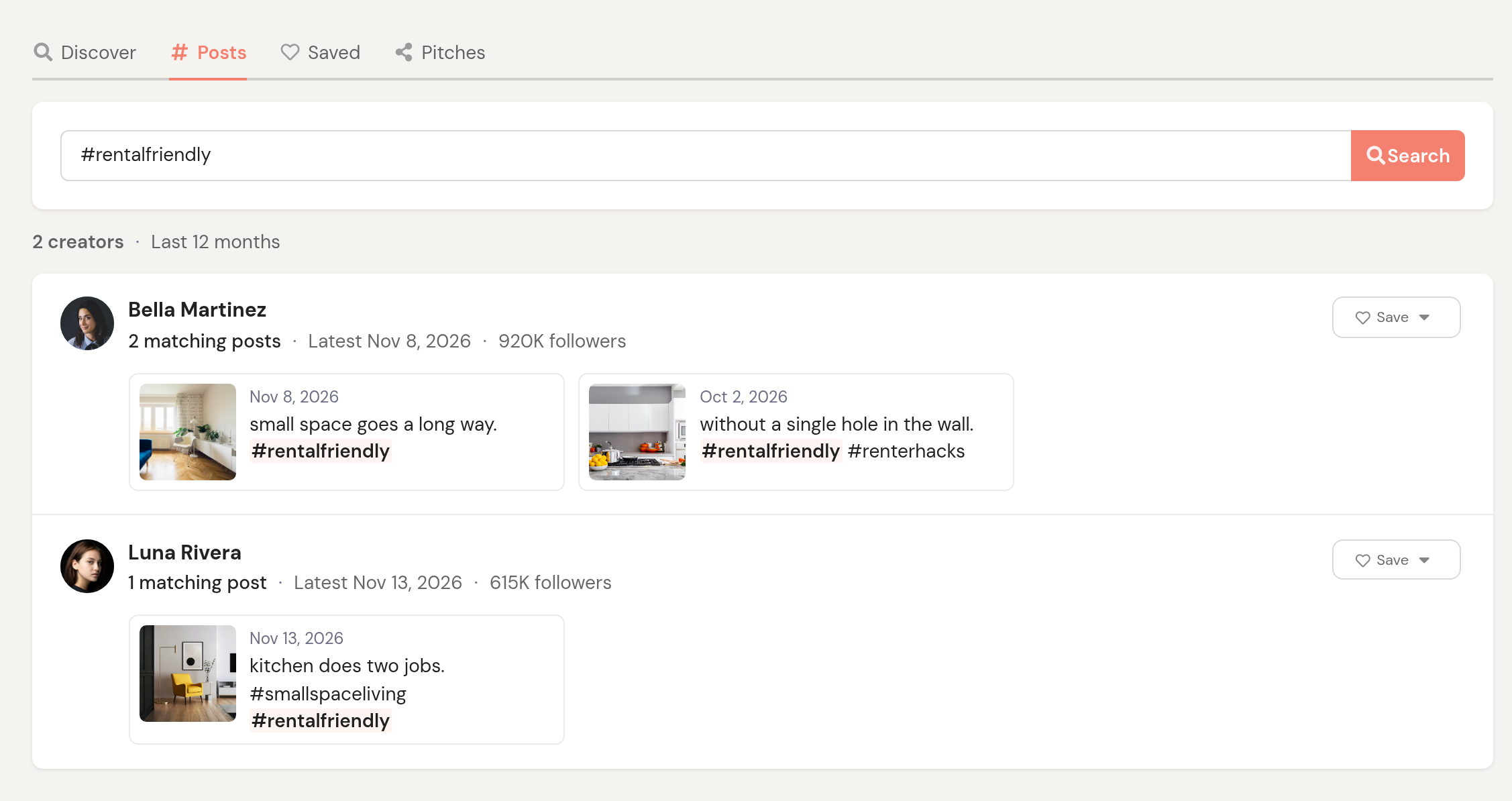
See every matching post for a creator
Click a creator’s name, or the +2 more link under their posts, to open their profile. A Matching posts panel at the top of the Profile tab lists up to 12 of their posts that match your search. Back to results takes you back to your search.

What gets searched
Post search covers the public posts InfluenceKit has collected for creators in Discovery. It doesn’t search content your team tracks in your own campaigns, and a creator whose public posts we haven’t collected yet won’t appear, even if they’ve used your hashtag. To look a creator up directly, use the Discover tab and search their username.