
How to Reassign a Brand Added Deliverable to an Influencer
When you add a deliverable to a campaign yourself, it shows up on the report under your own name — you’re the one who added it.
If you’d rather it show up under the influencer’s name instead, you can reassign it:
- Click on your name under the assignment.
- Click the three dots (⋯) in the upper right.
- Select Update Name.
- Change the Display name.
- Click Update.
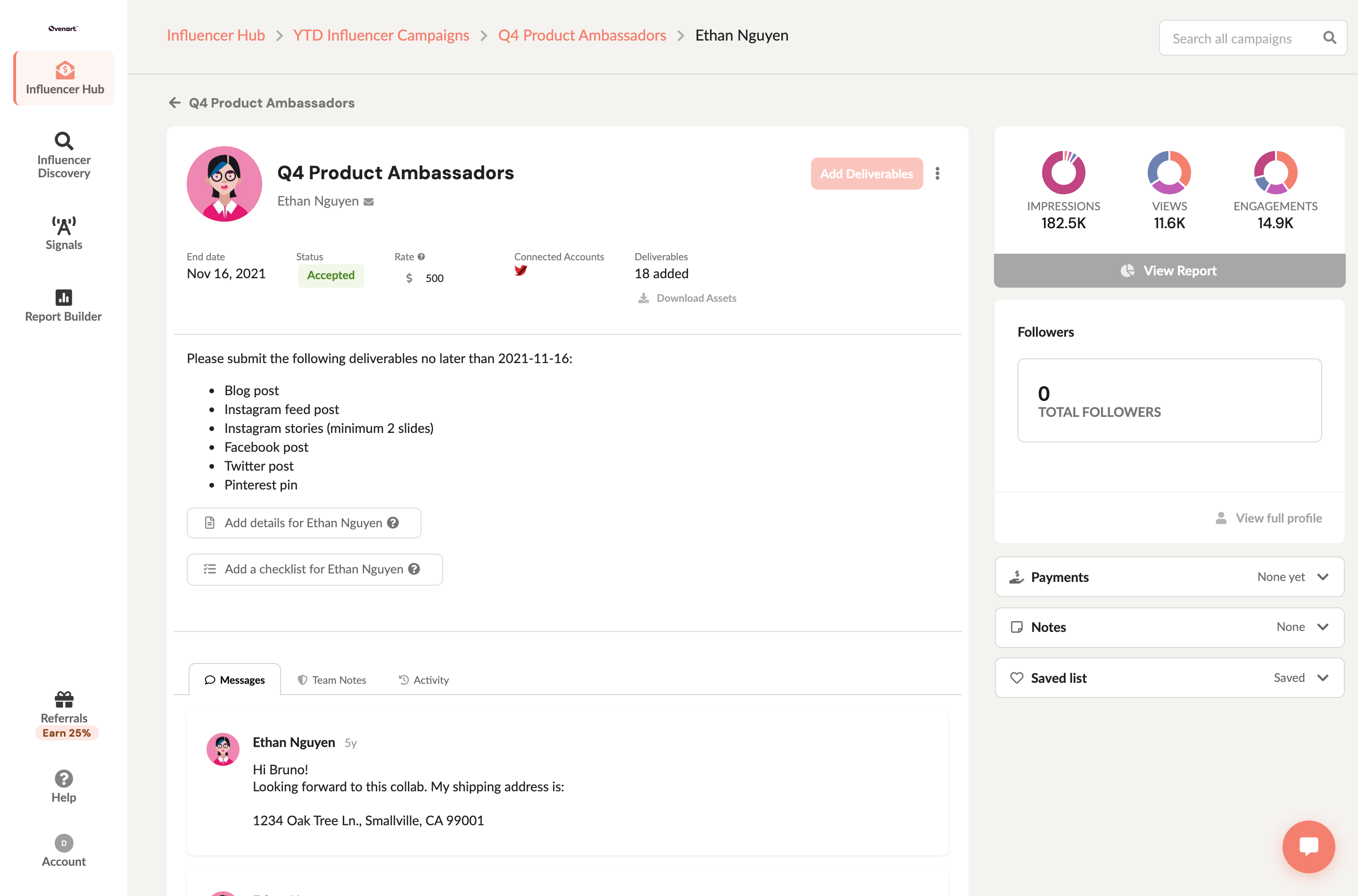
Reload the report, and the deliverable now shows up under the influencer’s name rather than yours.