

Team Management
Understanding team roles
Every teammate is either an Account Admin or not:
- Account Admin — full access to everything in the account, including billing, adding and removing teammates, and account settings.
- Everyone else gets scoped access instead, which works differently depending on your account type:
- Brand and agency accounts — a non-admin gets Member or No access on each individual campaign, so they only see the campaigns you grant them. You can also turn on account-wide tools for them — Influencer Discovery, Signals, Report Builder — which are off by default.
- Influencer Hub accounts with multiple calendars — a non-admin gets Admin, Member, Guest, or No access set individually on each calendar, so someone can have full access to one calendar and none to another.
Adding a team member
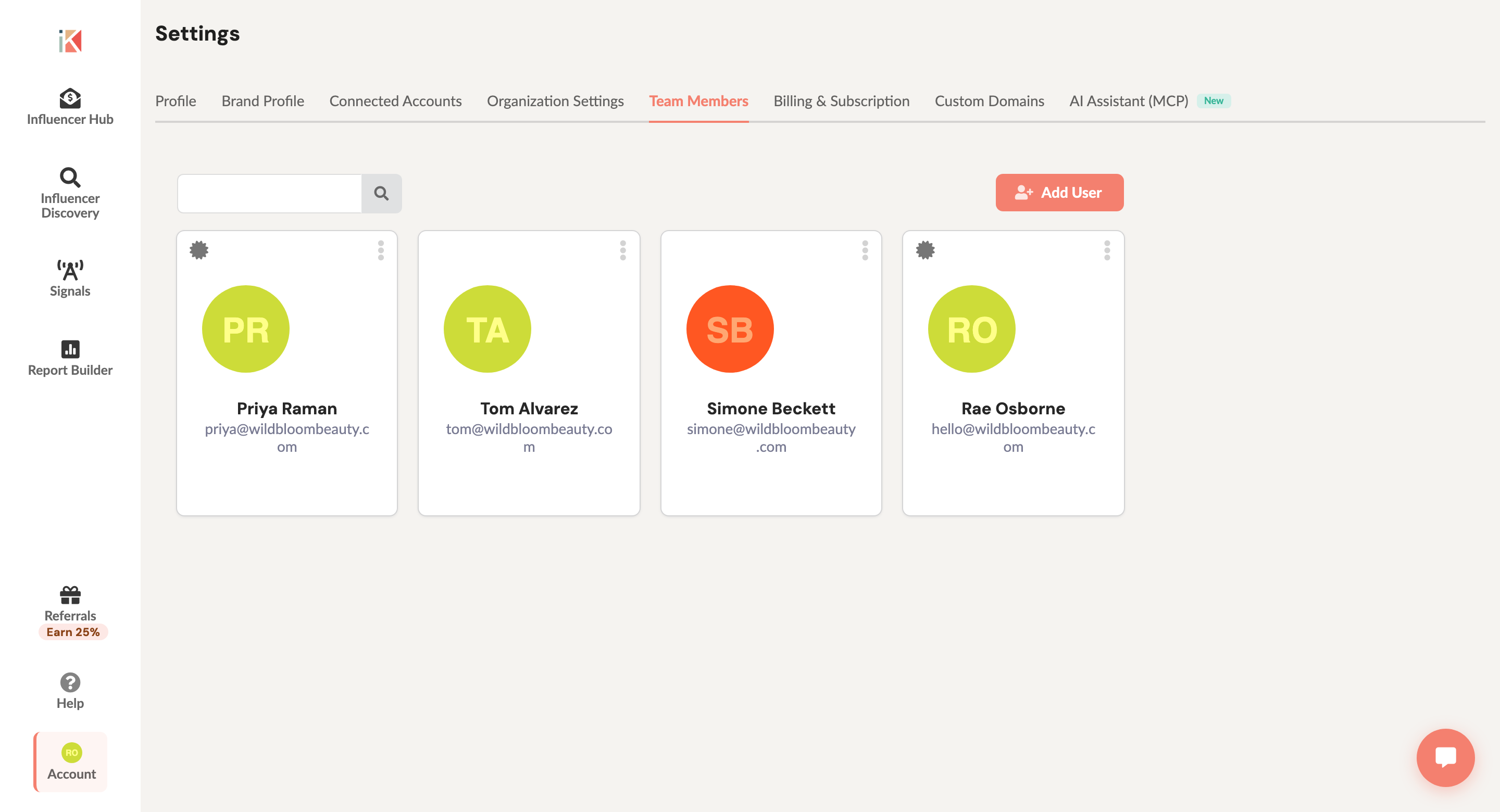
- Click your account avatar (top right) to open the Account menu and select Team Members. If you don’t see it there, go to Account → Settings and open the Team Members tab instead.
- Click Add User.
- Enter their name and email address, and set their access.
- Click Add User to save. They’ll get an email with a link to create their account and join your team.
Managing a teammate’s access
From the Team Members page, open a teammate to change their Account Admin status and, if they’re not an admin, their per-calendar or per-campaign access.
Team collaboration features
Assignment notifications — Choose who gets notified about updates and comments on a specific assignment. Open the assignment, go to its settings, and expand Notifications to set who’s notified.
Comments and @mentions — Leave comments on campaigns, assignments, or deliverables, and use @mention to notify a specific teammate by email.
Removing a team member
- Open the Team Members page (see above).
- Find the teammate.
- Click Remove User and confirm.
They lose access immediately; their past comments and activity stay in your account.
Team best practices
- Grant the minimum access someone actually needs, and use per-calendar/per-campaign access to scope it down further.
- Review who has access periodically, and remove former teammates promptly.
- Keep discussion in InfluenceKit comments (with @mentions) instead of a separate tool, so the history stays attached to the campaign or deliverable it’s about.