
How to add Expired or Missing Instagram Stories to a Report
Missing some of your Instagram stories, or published them before connecting to InfluenceKit? You can still add them to your report by following a few simple steps.
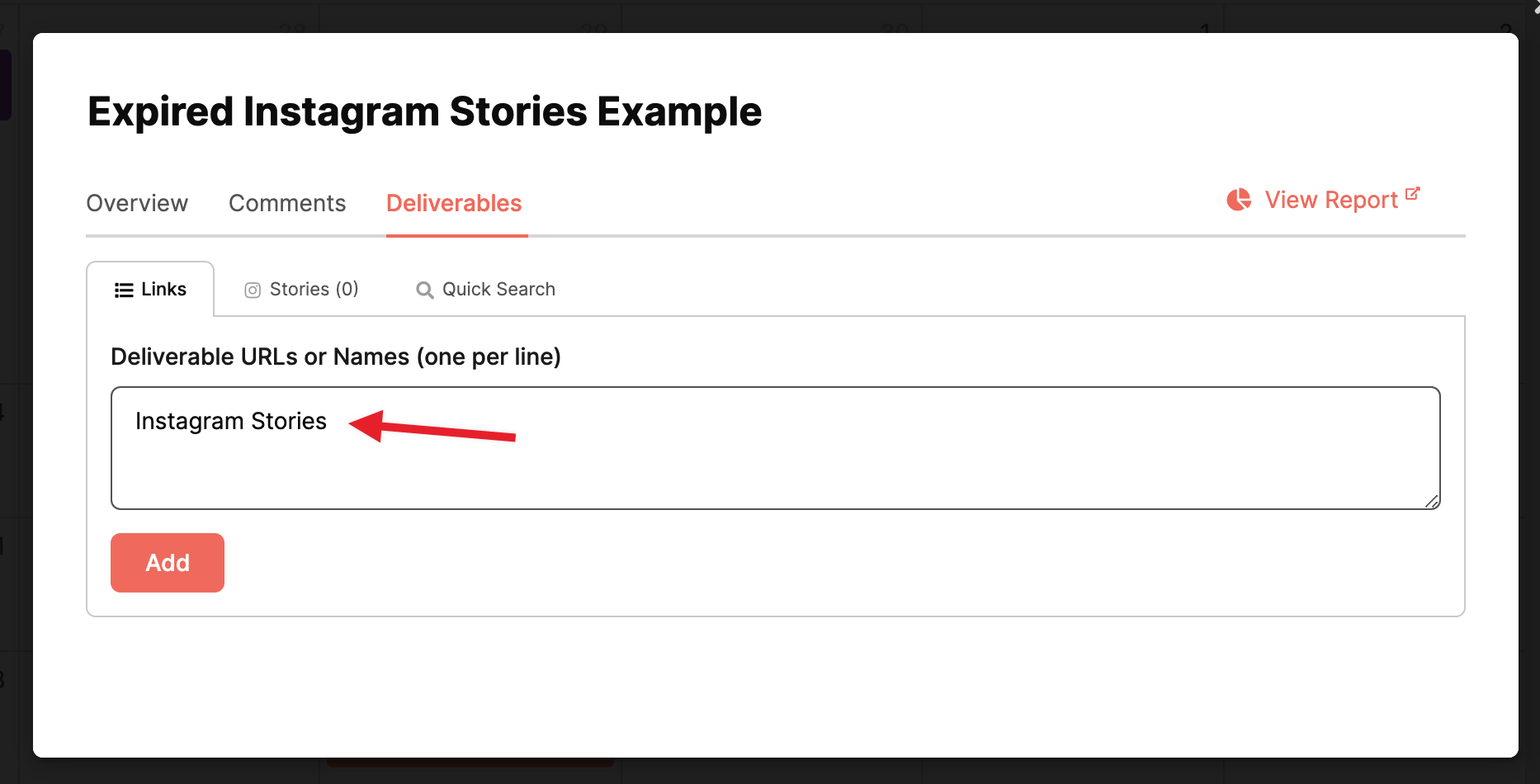
First, create a deliverable with the label: Instagram Stories.
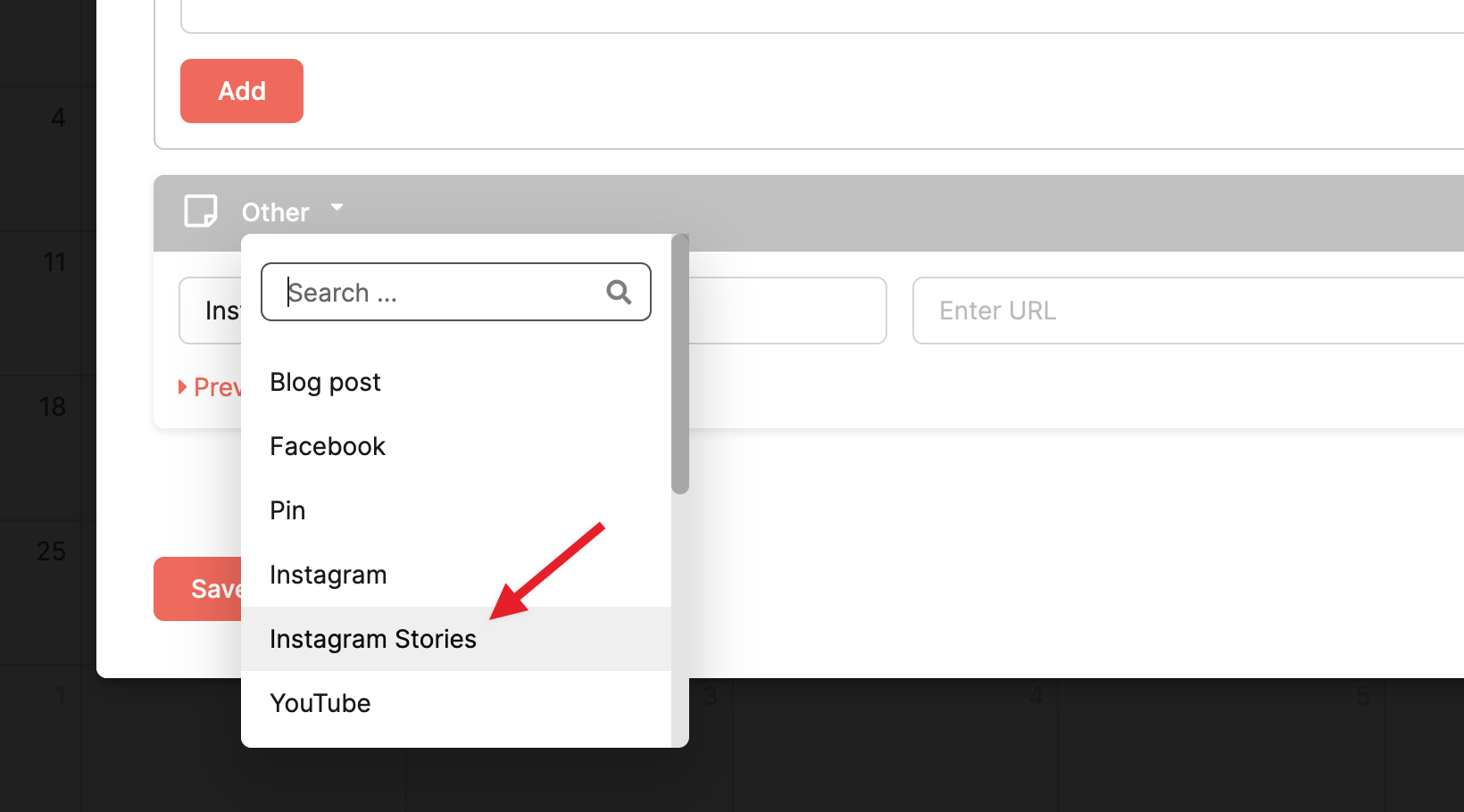
Select the “Instagram Stories” deliverable type from the dropdown:
Pro tip: Upload a screenshot and let InfluenceKit add the stats.
After you’ve completed the steps above and created a placeholder for your Story, you can upload a screenshot of your Story insights, and InfluenceKit will automatically try to pull the numbers off of it and add them to the report:
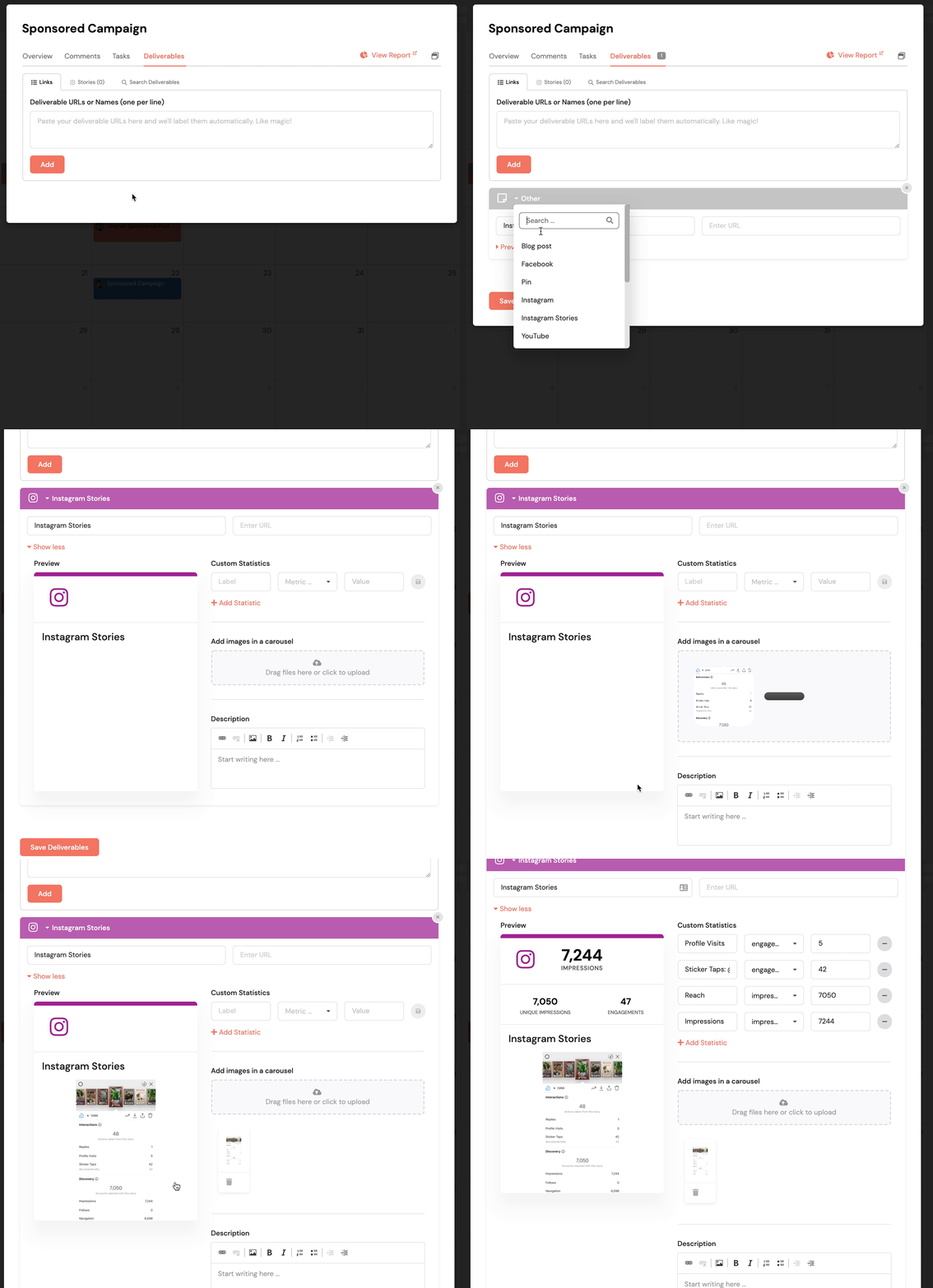
*If InfluenceKit does not add the stats automatically, it may be due to a change in the Insights page layout. If this happens, let us know and follow the steps below.
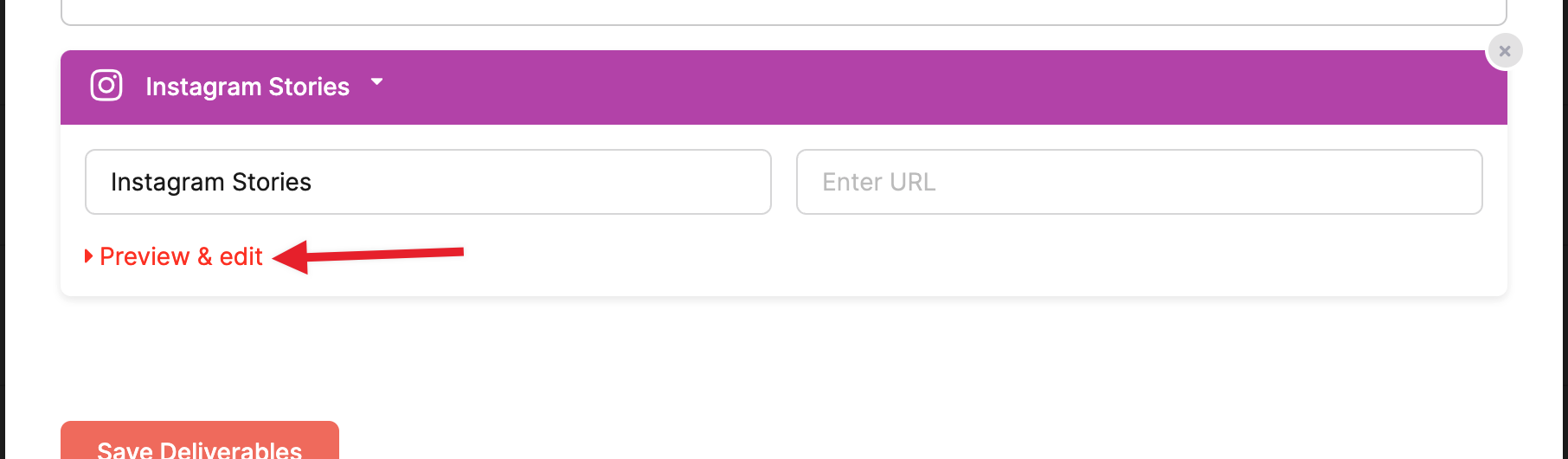
Expand the “Preview & edit” fields:
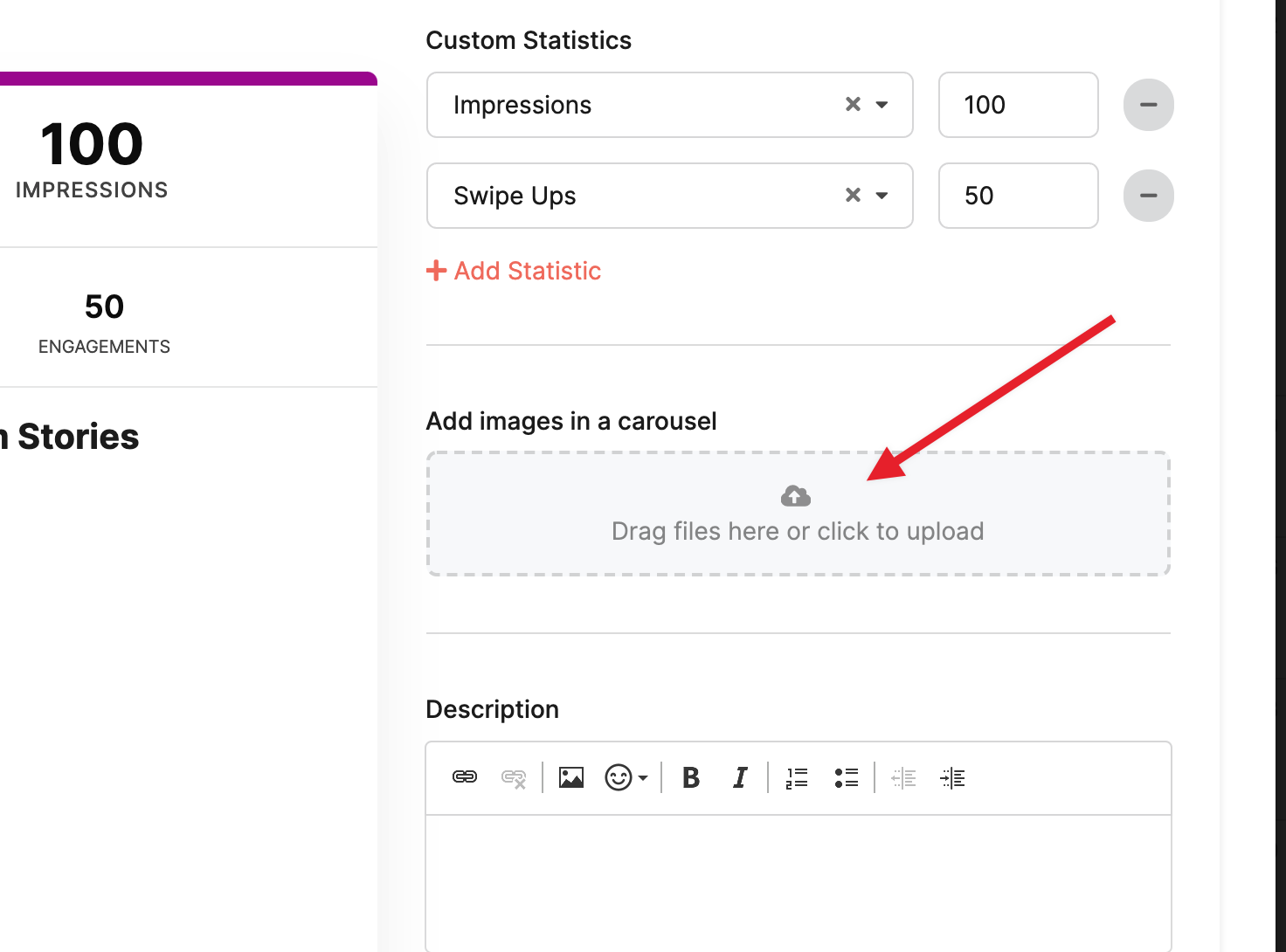
Now, you can add the metrics that you see in the Instagram insights dashboard and, if necessary, add screenshots to the card:
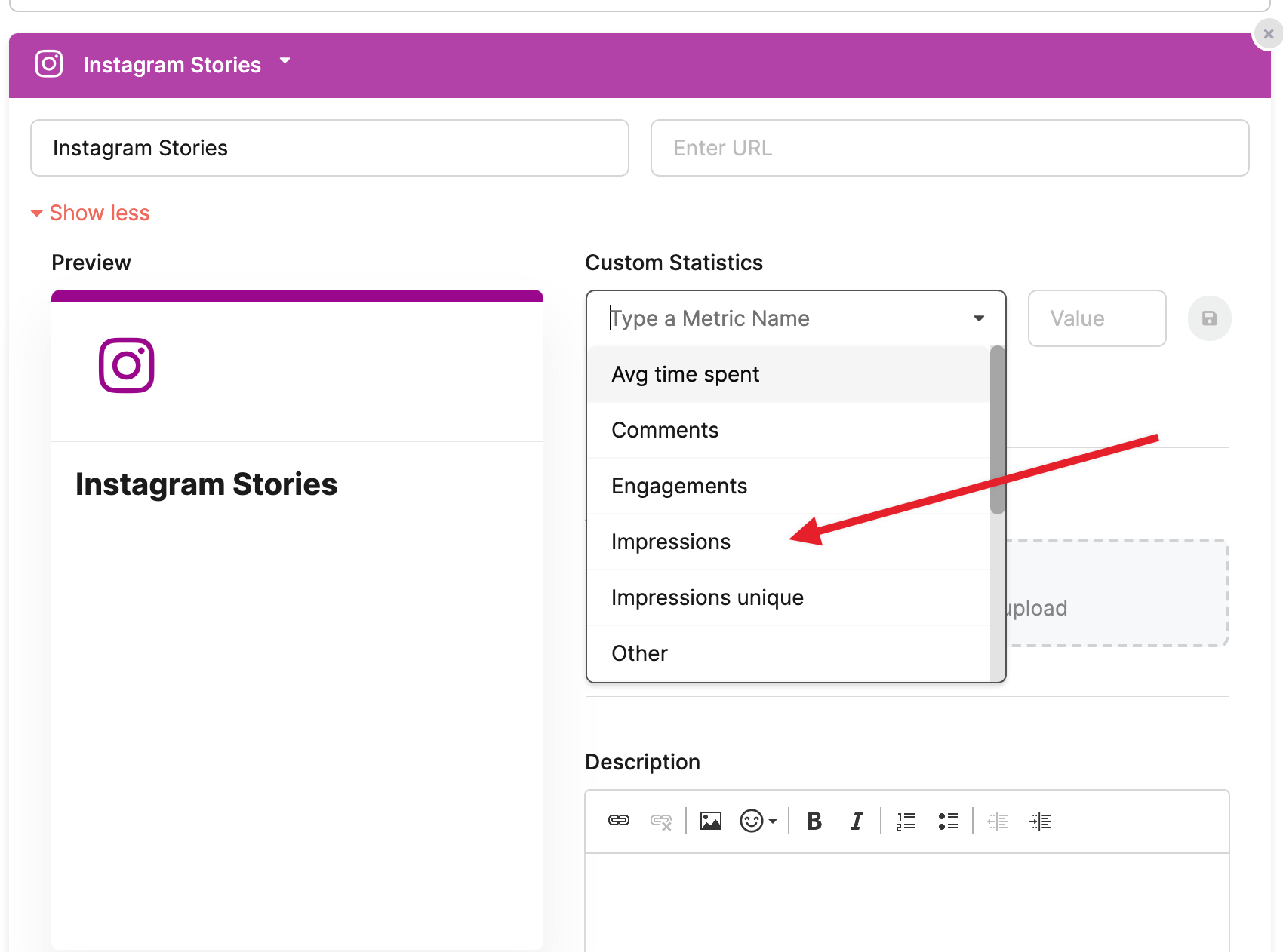
You can also add screenshots of the stories here: