

How to add a MailerLite Deliverable
First, connect your MailerLite account
- Go to the Connected Accounts page in InfluenceKit
- Click Add Accounts, and then select MailerLite
- Enter your MailerLite API token in the API Key field, and click Update
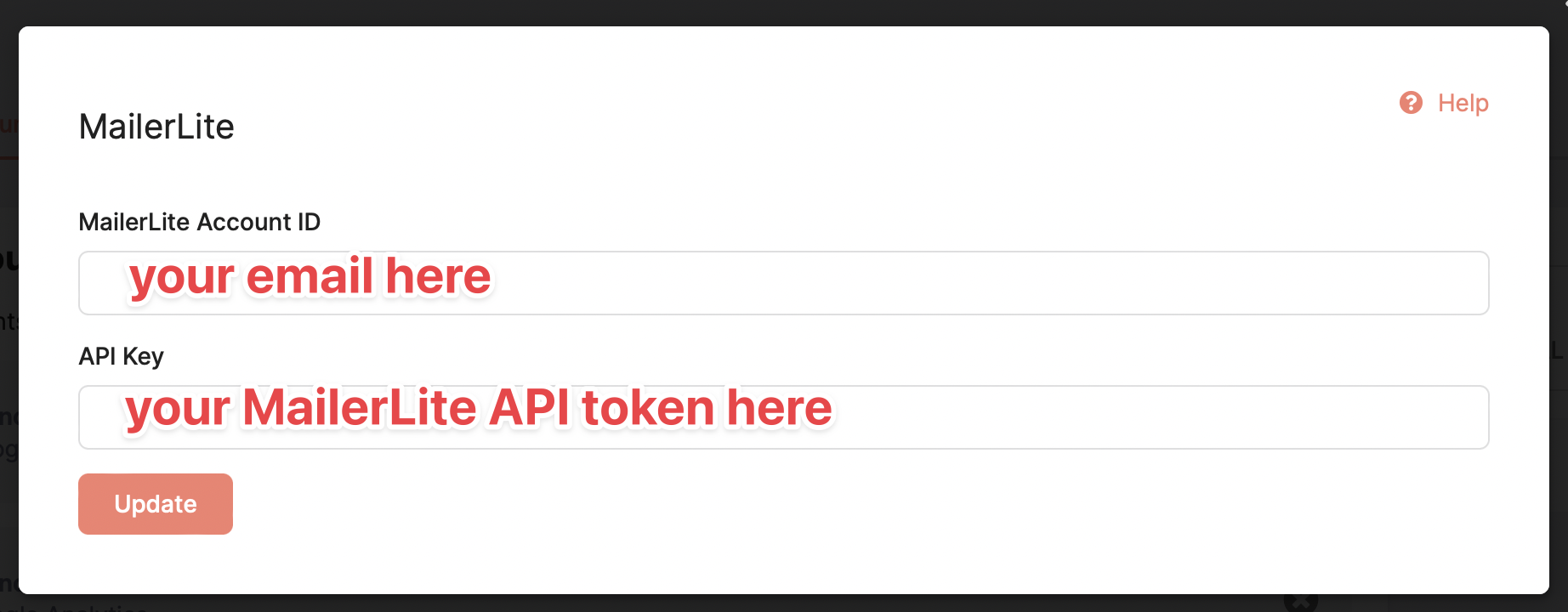
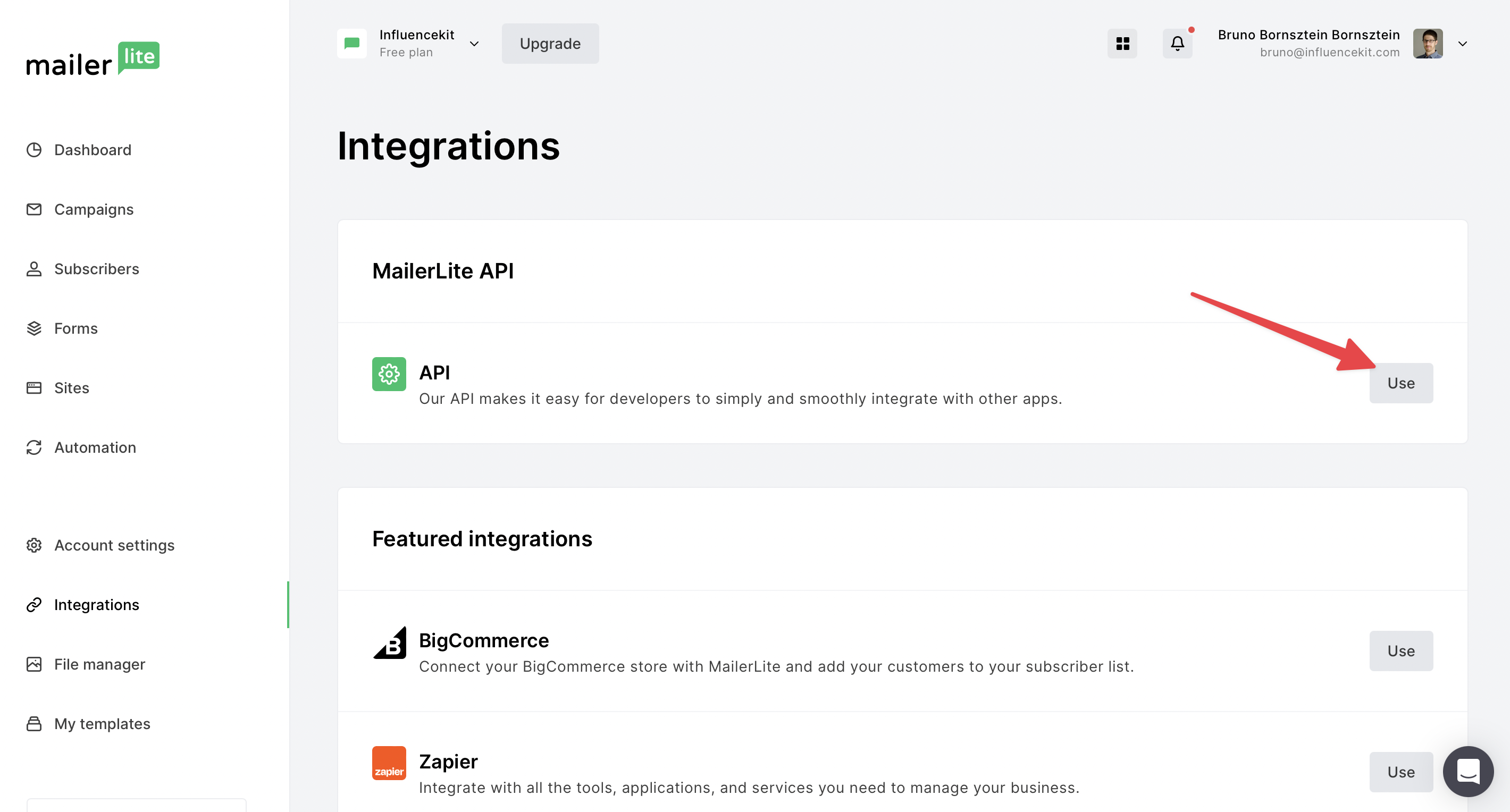
To find your MailerLite API token, go to: https://dashboard.mailerlite.com/integrations
Click the ‘Use’ button to enable the MailerLite API:
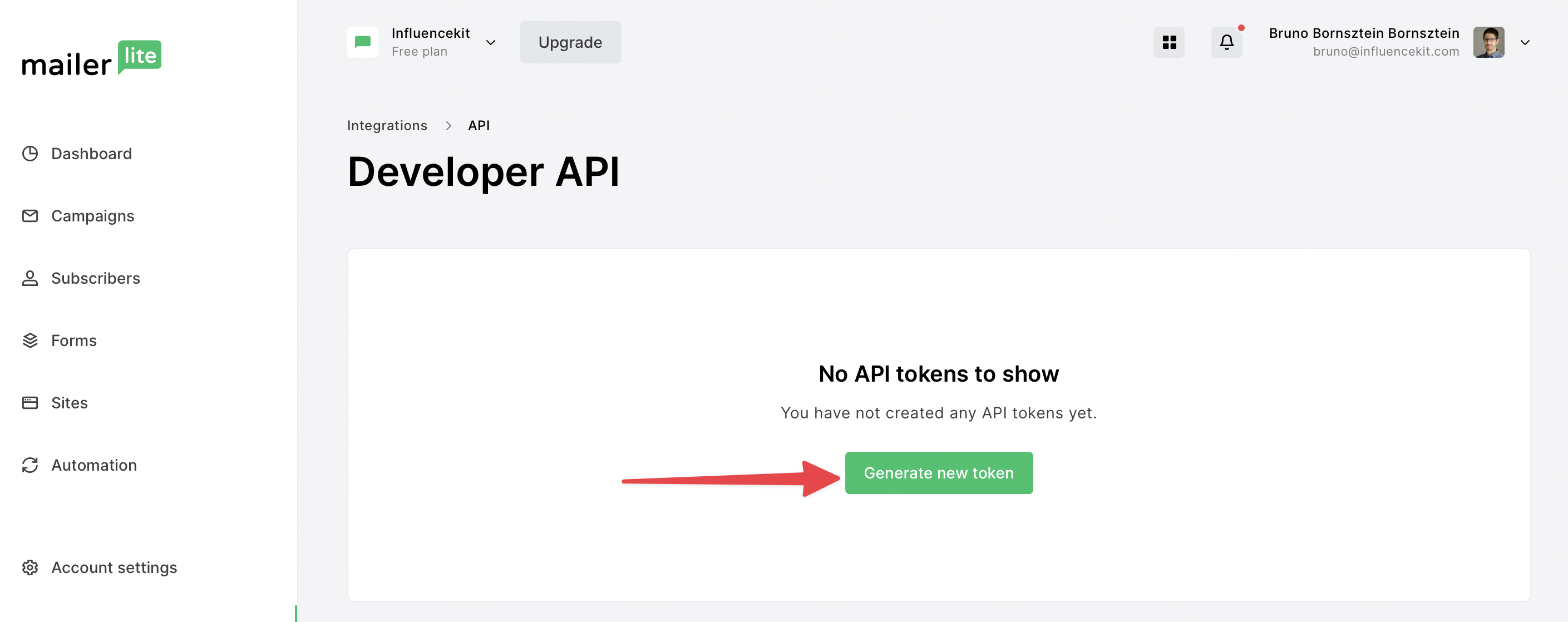
Next, generate a new token:
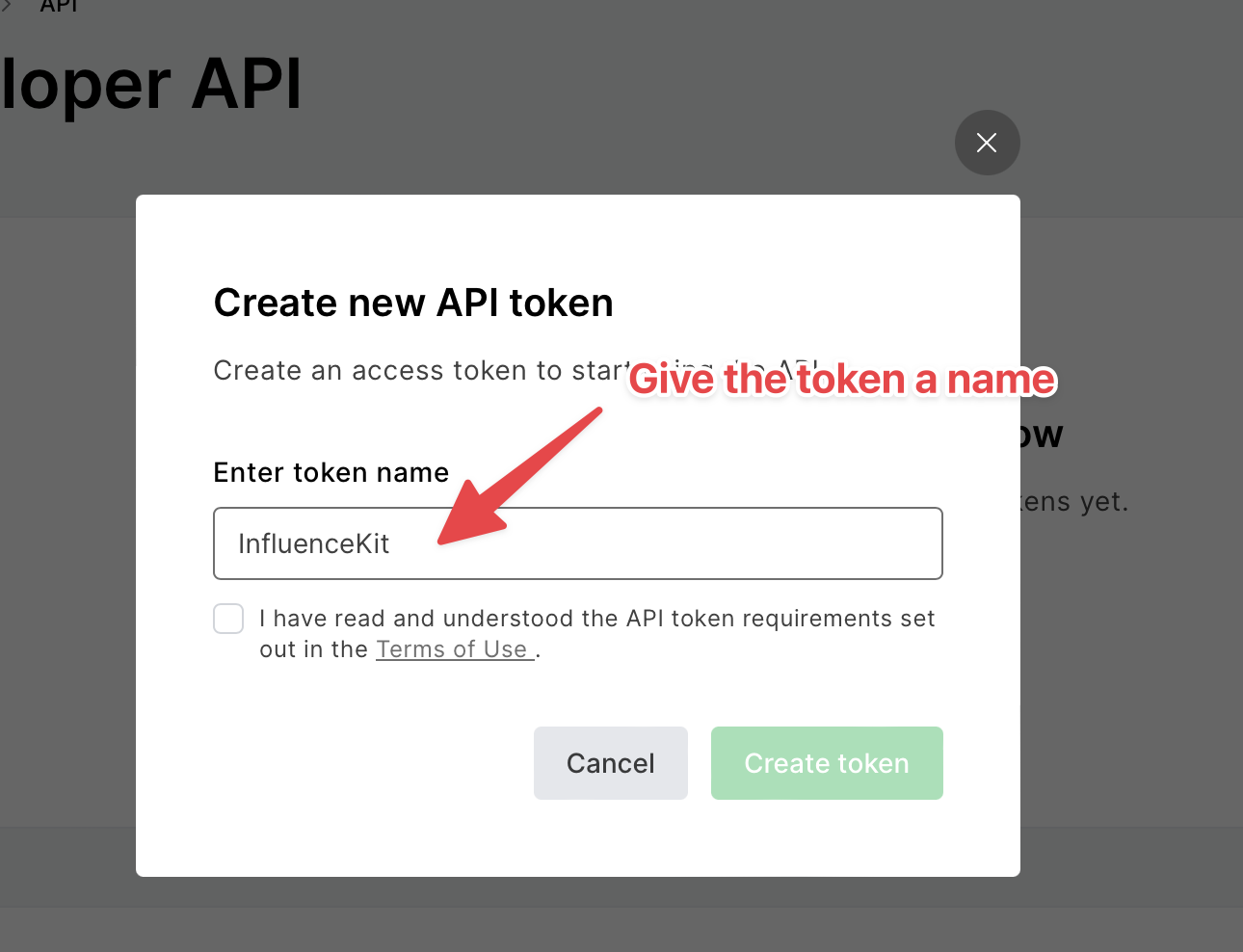
You can name it anything you like:
Copy the token (you won’t be able to see it again)
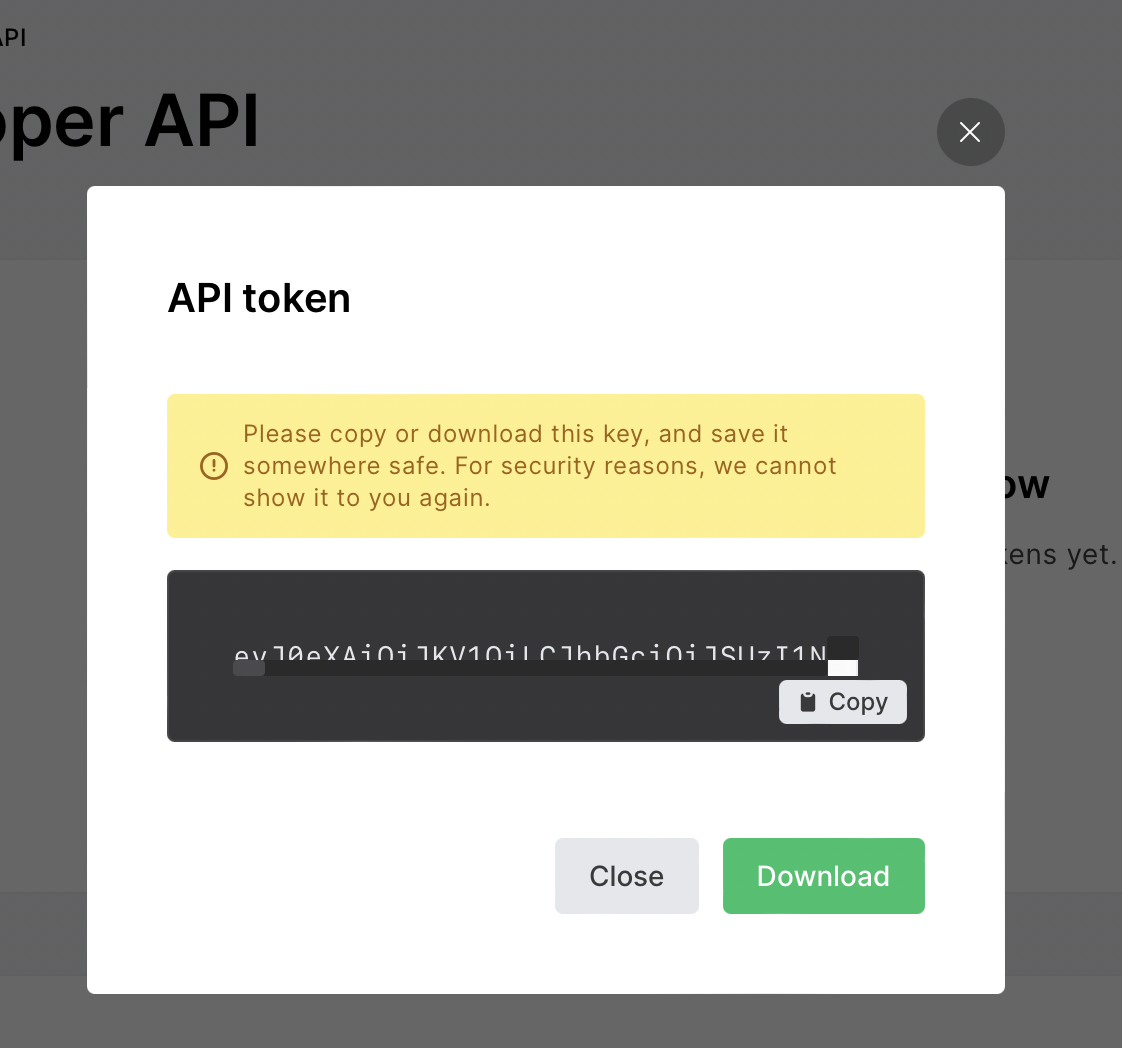
Next, find the correct MailerLite campaign URL
- Go to: https://dashboard.mailerlite.com/campaigns/status/sent
- Click on the name of the campaign you’d like to add:
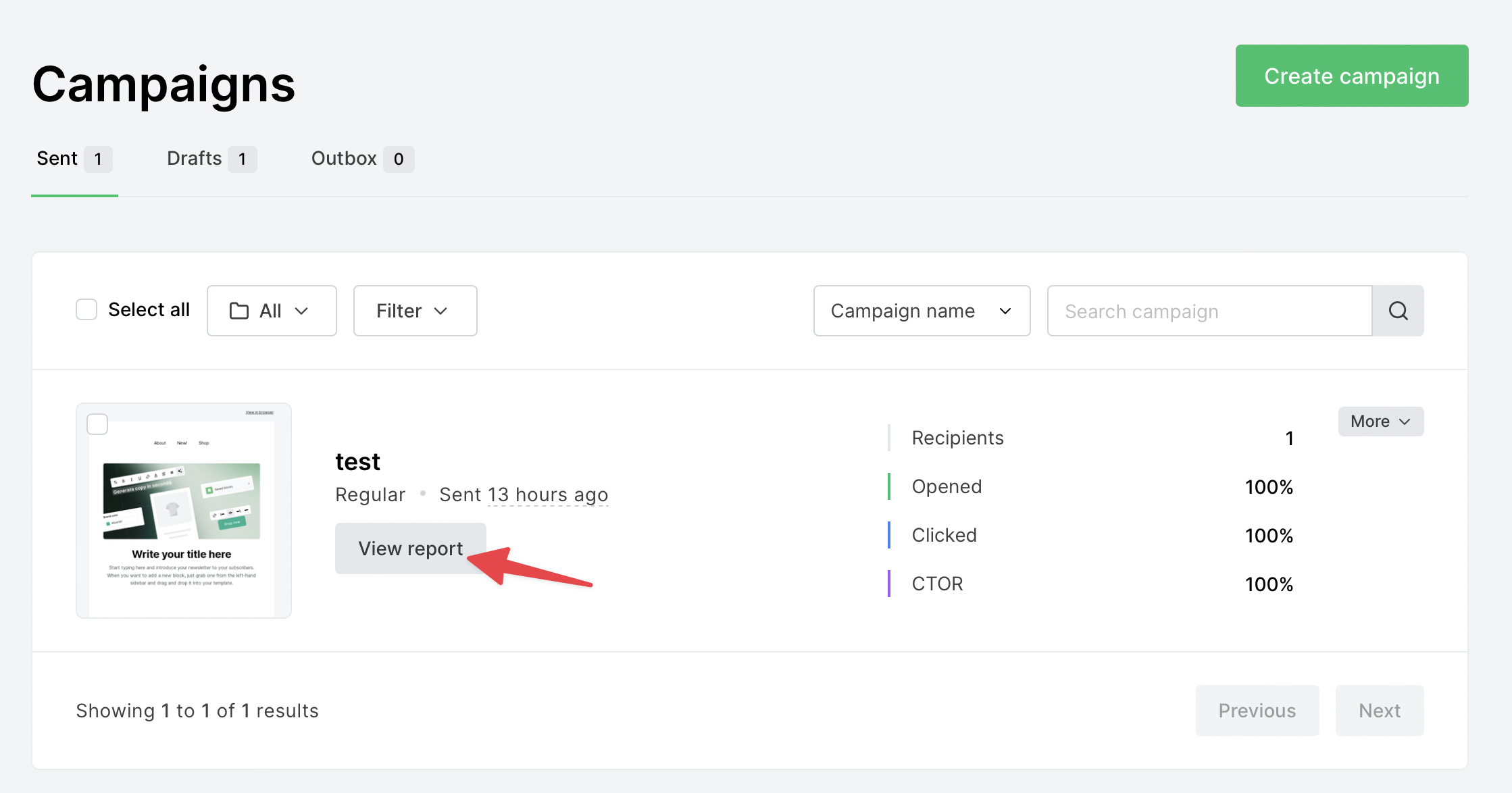
The correct URL will have a format like this:
https://dashboard.mailerlite.com/campaigns/116454435557737761/reports/overviewOnce you have the campaign URL, paste it into InfluenceKit like any other deliverable.